

 Veylo: Aesthetic Simulator 3D
Try treatments before you book.
Scan your face in 3D with your iPhone, then try 25 treatments — from lip filler to rhinoplasty and chin implants — on your own face, measured in millimetres.
Join the betaComing soon to theApp Store
A visualization, not a prediction.
- TrueDepth 3D scan
- Measured in millimetres
- 25 treatments across 6 areas
- Face data stays on your iPhone
- Private clinic link
- 1 free realistic view
- No beauty scores
- Only the area you choose changes
See a change on your own face. Before the consultation, not after.
The hardest part is imagining it. Veylo lets you try it on your own face, in millilitres and millimetres, before you sit down with a clinician.
Try it free on iPhone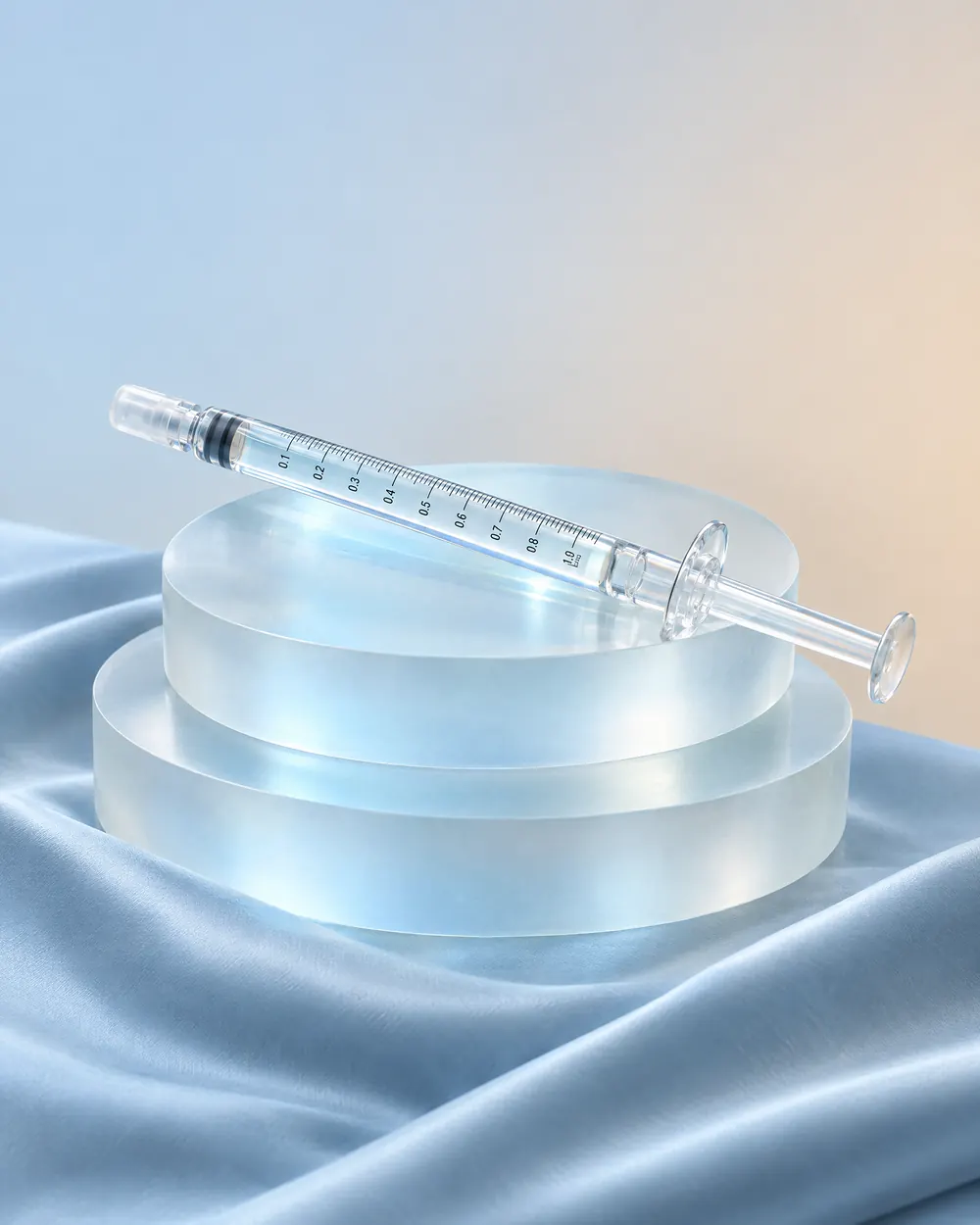
Filler in ml, implants by size
Measured in millimetres
Chin · filler 1.5 ml
Chin forward+3.8 mm
Chin width54.0 → 54.5 mm
Lower face82.0 → 82.9 mm
Approximate · sample face
mm

A private link for your clinic
Try it here. Pick a face, an area, a treatment and an amount.
Sample face

Choose an area
Listed from least to most invasive. Information, not a recommendation.
Chin
Add treatment
Listed from least to most invasive. Information, not a recommendation.
Chin filler
Filler injection · Non-surgical
Typical in published studies: 0.7–4 ml
Chin forward approx.
+5.0 mm
Lower face height+3.8 mm
Chin width+1.4 mm
Chin filler · 2.4 ml
Rendered by the Veylo face engine on AI-generated sample faces — not patients. Millimetres are approximate, on Veylo’s visualization scale. A visualization, not a prediction.
The real app, in motion.
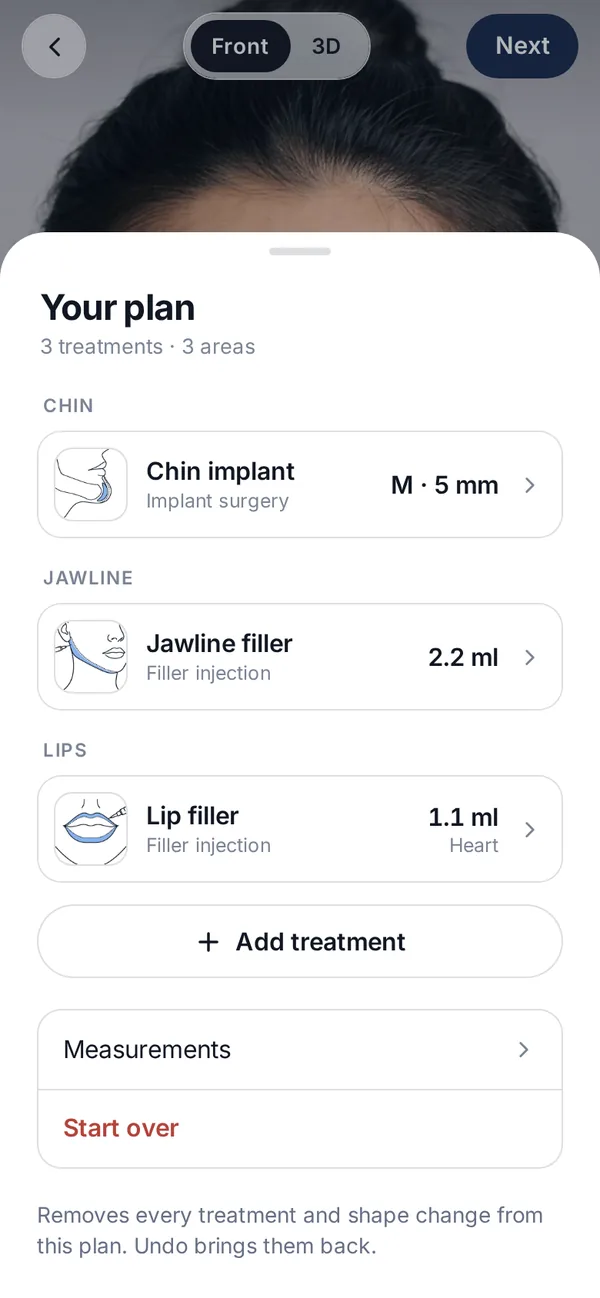
Real screens from the Veylo beta, on a synthetic sample face: build a plan from a chin implant, jawline filler and lip filler, then compare it with the original.
- Combine treatments across areas in one plan
- Implant model and size, filler in ml, lip and nose styles
- Drag the divider to compare with the original
No paywall before your result
See your result first. Pay only for more realistic views.
Free, with nothing blurred
- 3D scan
- Editor with real units
- 3D model
- Approximate measurements
- Your first realistic view
Veylo vs a typical AI “surgery” app
| Veylo | Typical AI “surgery” app |
|---|---|
| Same settings, same result — every time | A different image every time you run it |
| Real units: ml, mm, implant sizes | Vague sliders and presets |
| Only the area you choose moves | The whole face gets redrawn |
| Delete everything, any time, in the app | Often unclear what is kept, and for how long |
| Your result before any paywall | Results often locked or blurred until you pay |
Describes how many AI face-editing apps commonly work — not a comparison with any specific product.
Six areas. 25 treatments.
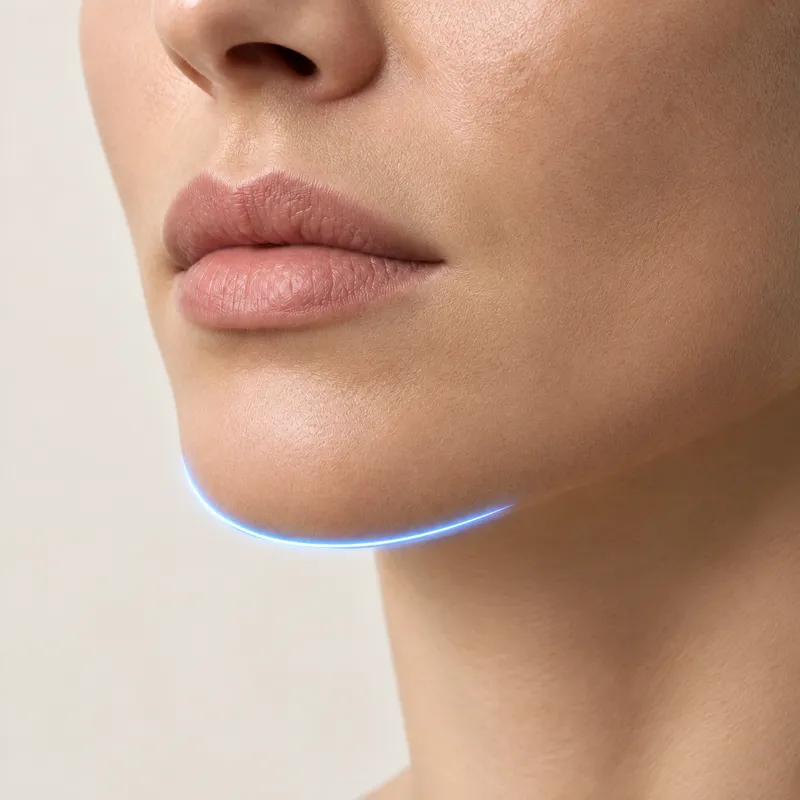
Chin
6 treatments
- Fillerml
- Implantmodel & size
- Sliding genioplastymm
- Fat graftingml
- Toxinunits
- Jaw advancement (BSSO)mm
Jawline
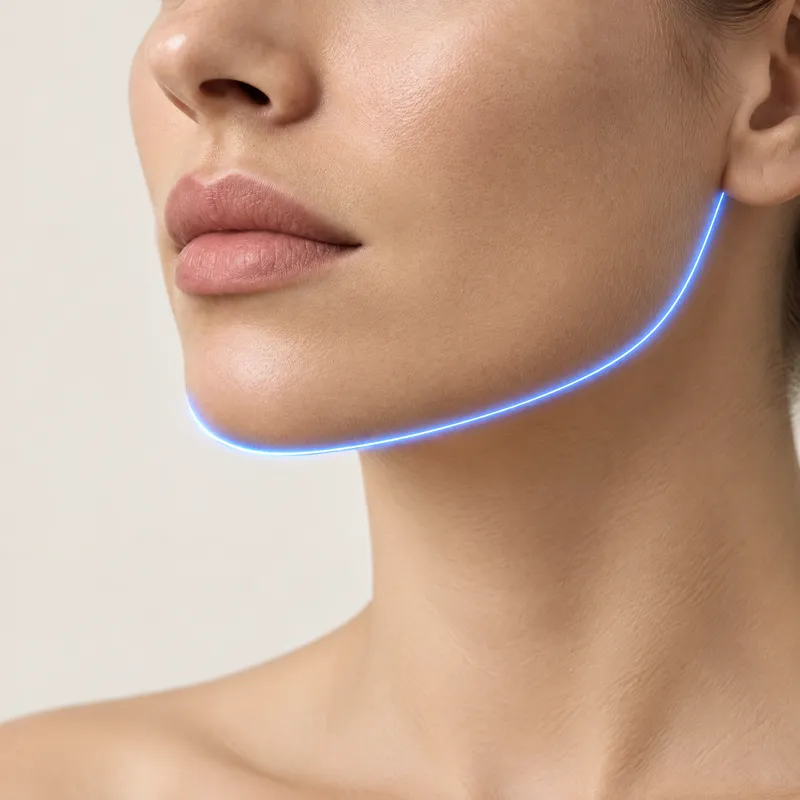
5 treatments
- Fillerml
- Jaw implantsmodel & size
- Masseter toxinunits
- Thread liftthreads
- Angle reductionmm
Under the chin
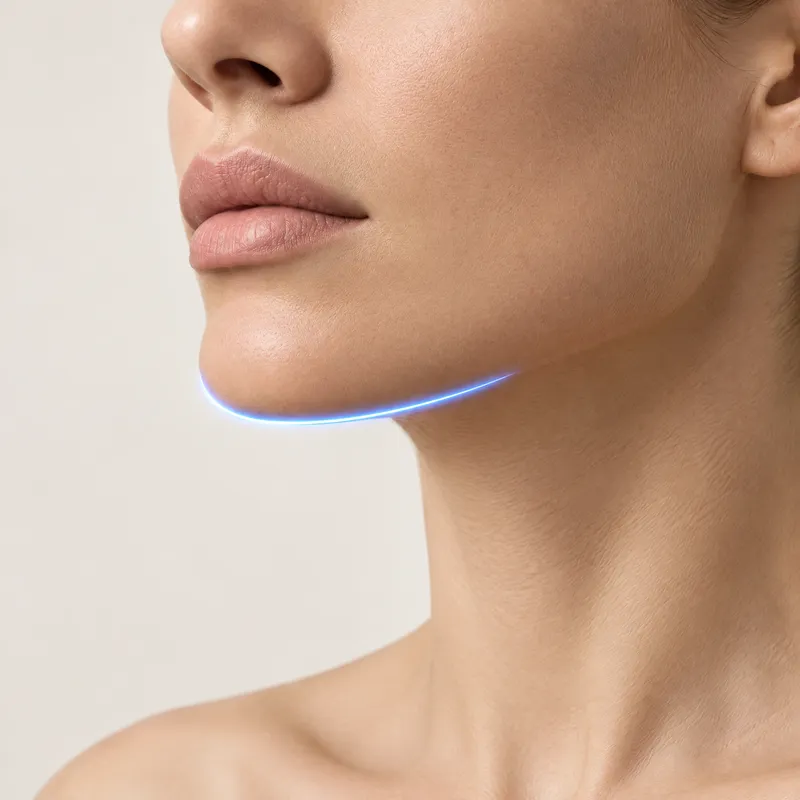
5 treatments
- Liposuctionml
- Fat-dissolving injectionssessions
- Neck toxinunits
- Neck liftangle °
- Skin tighteningsessions
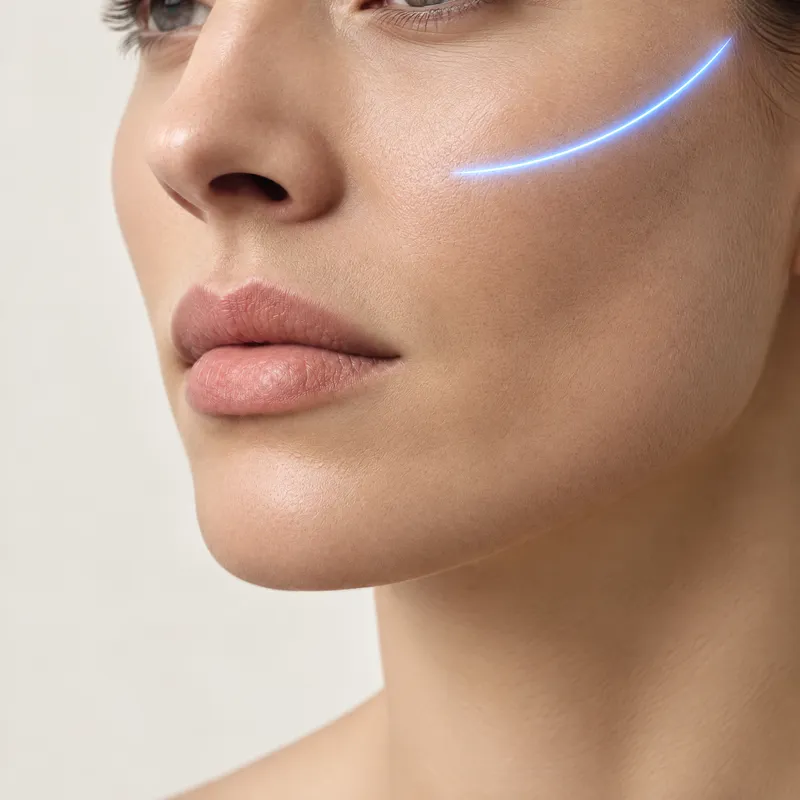
Cheeks
3 treatments
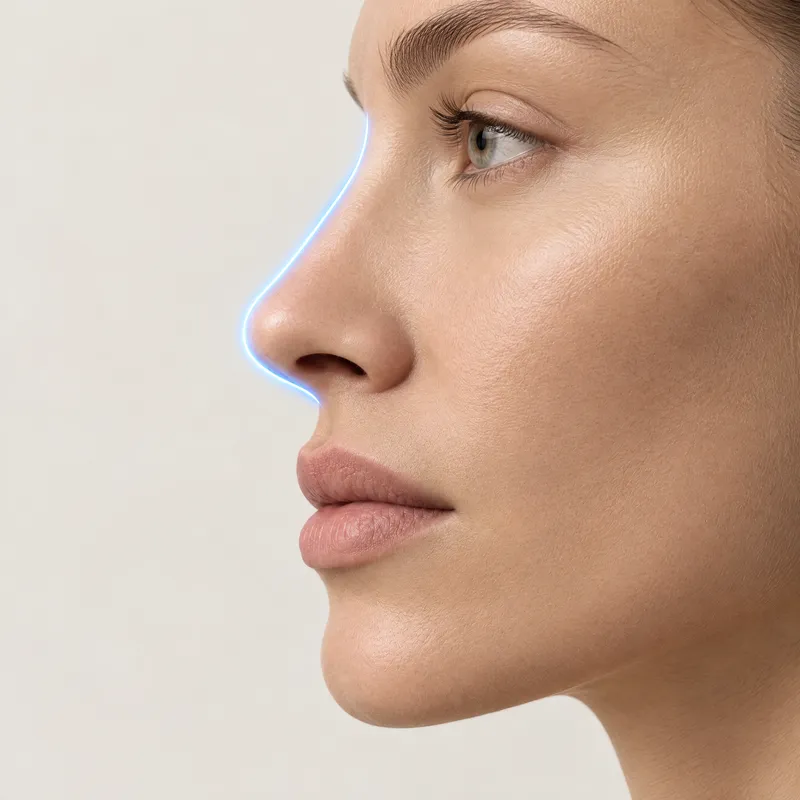
Nose
3 treatments
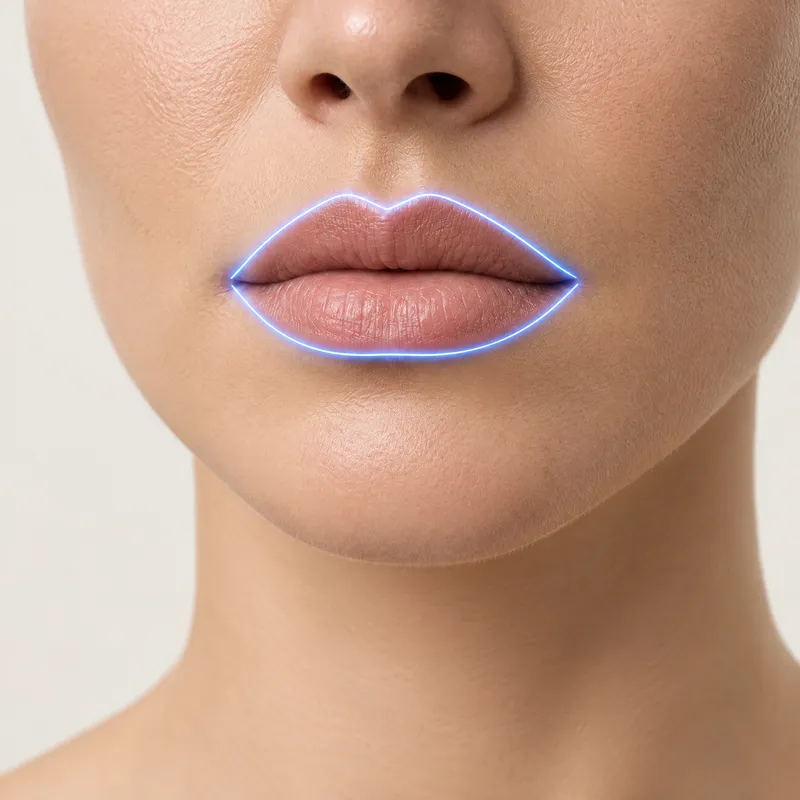
Lips
3 treatments
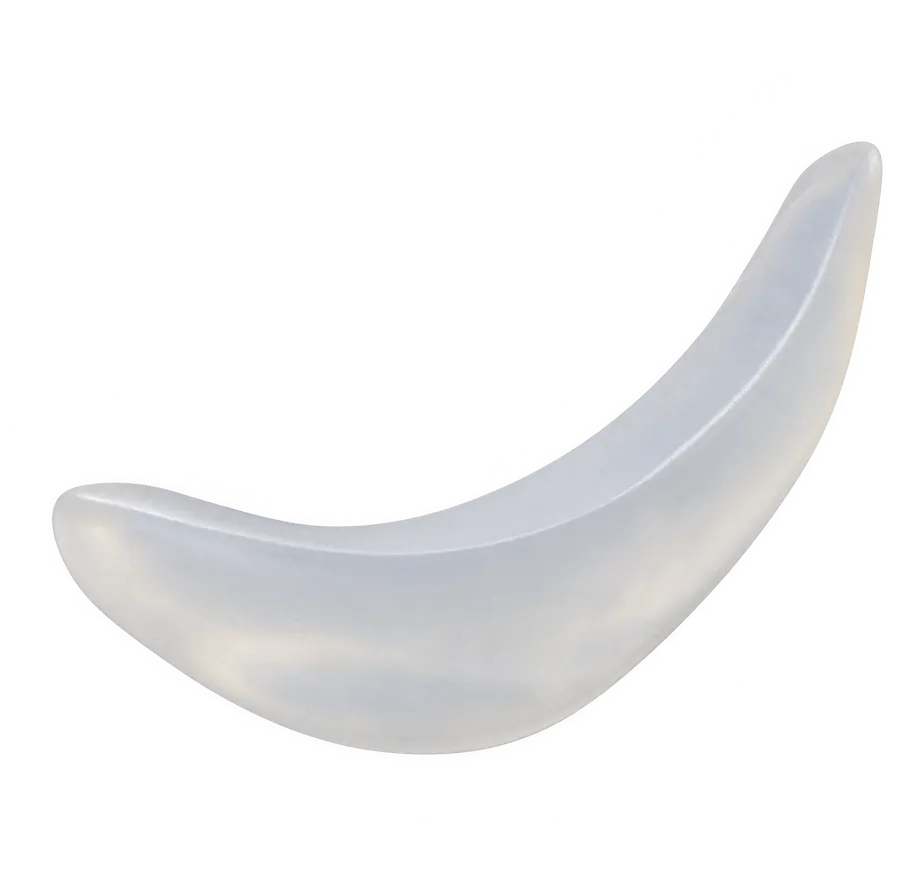
Every treatment shows its type, how invasive it is and the usual recovery. Typical ranges come from published studies — context, never a recommendation.
Try it free on iPhoneHow it works, in 4 simple steps.
-
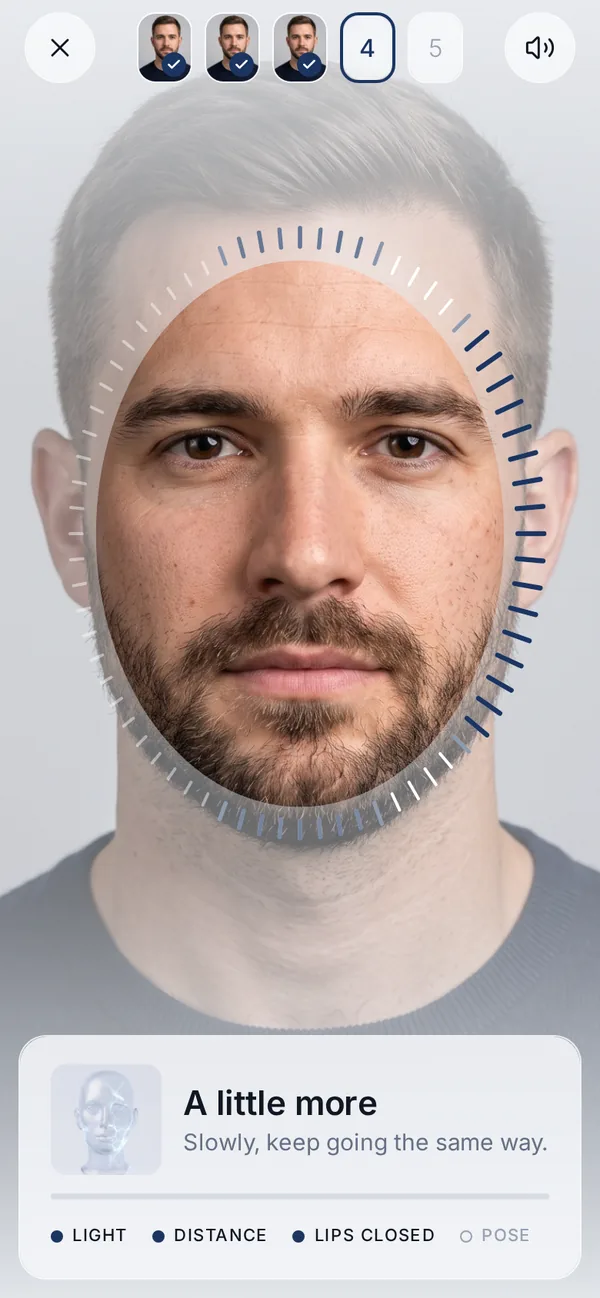
Five guided angles with the TrueDepth camera, about 40 seconds. A voice guides you, and the app checks light, distance and pose.
-
Pick treatments in any area and set them in ml, units, mm, an implant model and size, or a nose or lip style.
-
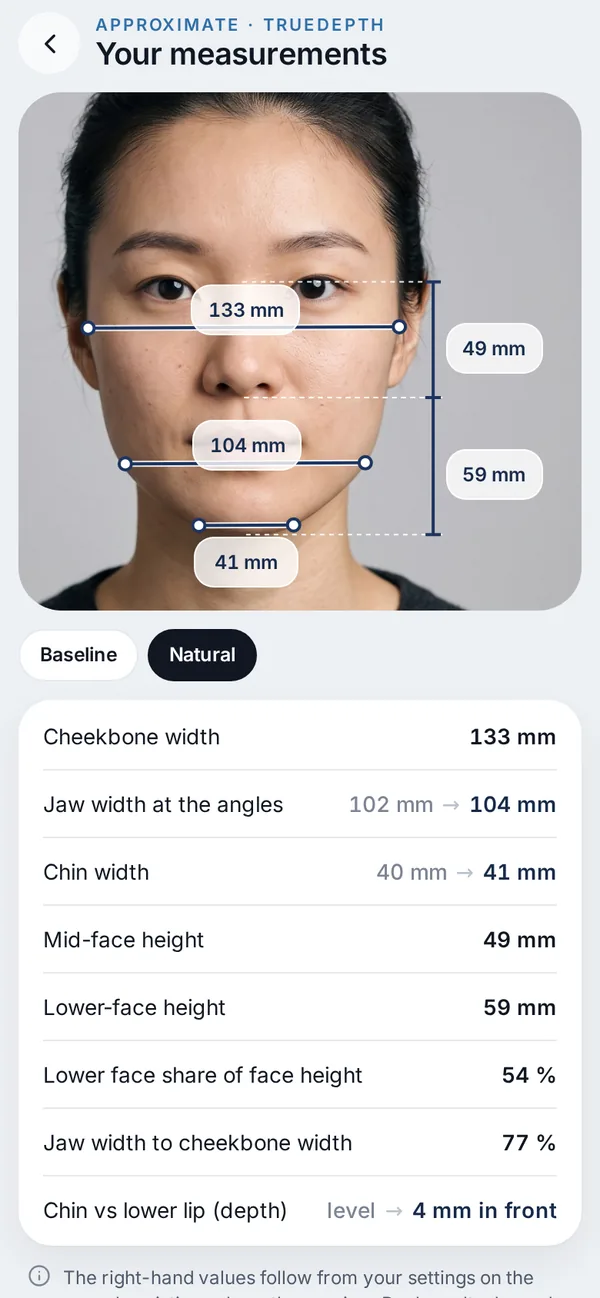
Original and visualization side by side, front, side and 3D, with approximate measurements.
-
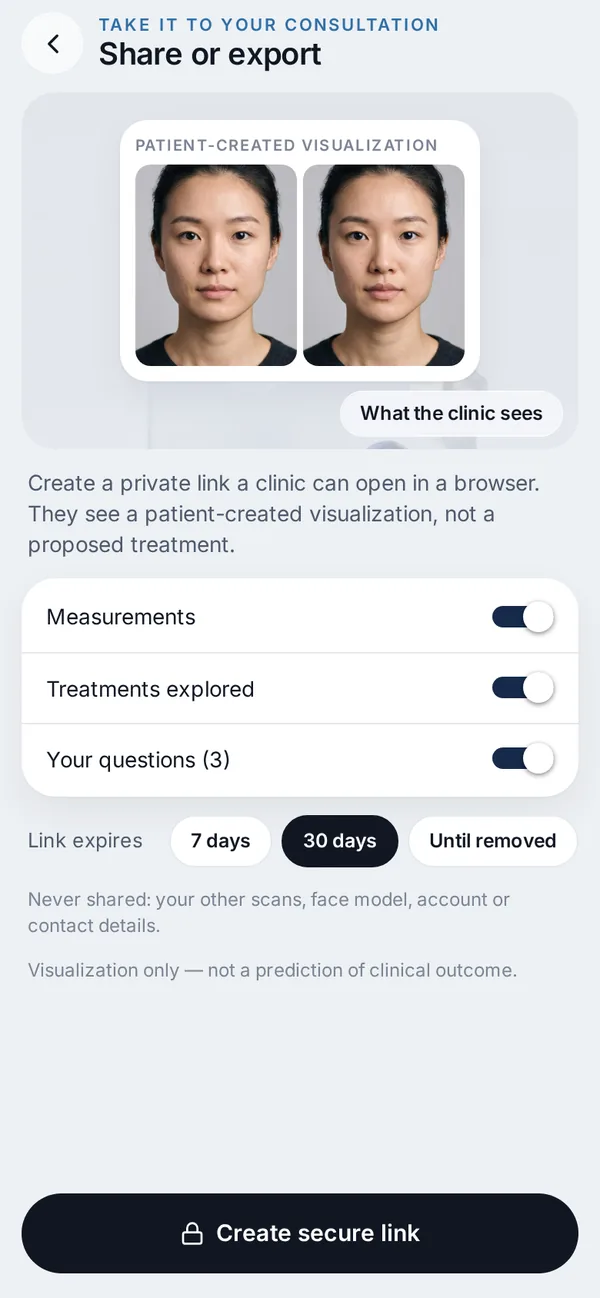
A private, encrypted link that expires. You choose what it shows — plan, measurements, your questions — and can revoke it any time.

Everything for the conversation, in one app.
Try it free on iPhone
Your plan
Chin implantM · 5 mm
Jawline filler2.2 ml
Lip fillerHeart · 1.1 ml
3 treatments · 3 areas
One plan, several treatments
Combine treatments across areas — say, a chin implant, jawline filler and lip filler — and see them together.

Your measurements
Jaw width131 → 132 mm
Chin width54 → 57 mm
Lower face82 → 83 mm
Approximate
Approximate measurements
Jaw width, chin width, lower-face height, nose and lips, before → after.
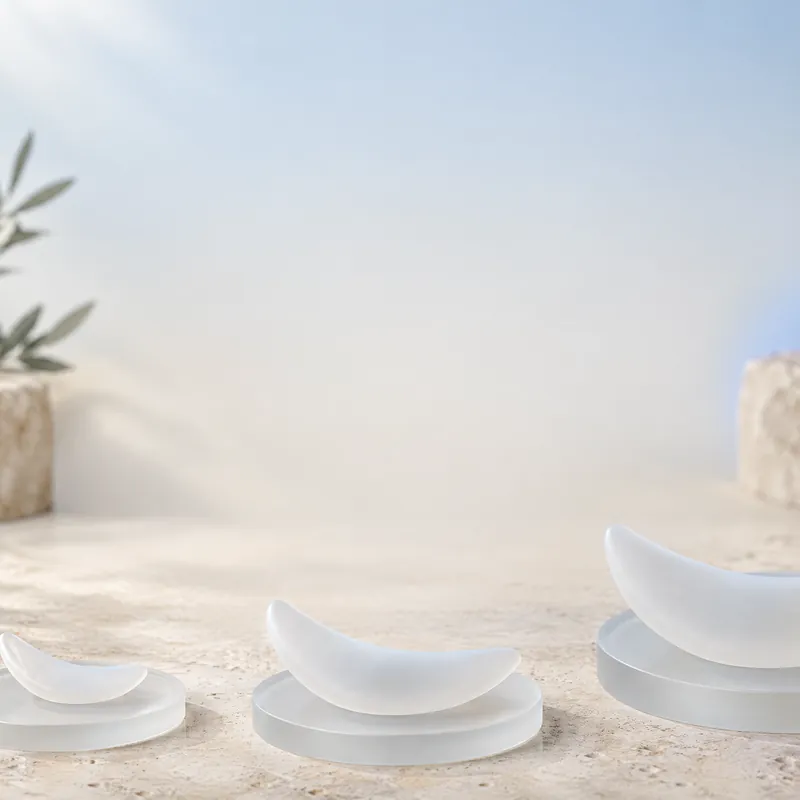
Chin implant
Anatomical · Medium · 5 mm
SMLXL
Implant picker
Model and size, from Small to X-Large.

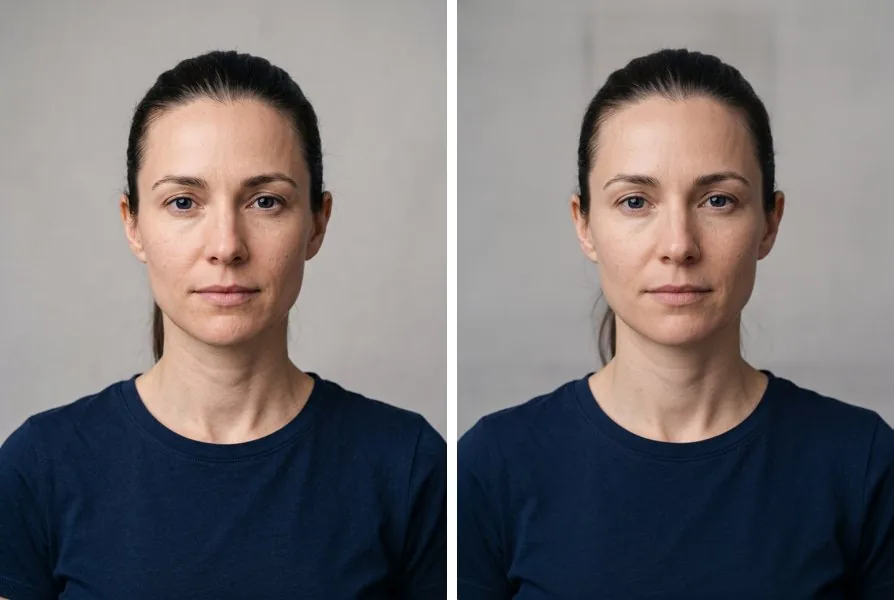
Realistic view
The same change as a photo, front and profile — labelled as a visualization.

What to ask your clinic
- What does recovery look like, week by week?
- What are the common side effects and risks?
- How does my visualization compare with what you think is realistic for me?
Guides before your consultation
Filler, implant or surgery side by side, what ml and mm mean, recovery at a glance — and questions to ask your clinic.

Clinic link
Expires in30 days
Plan & measurementsShared
Your questions3 added
AccessRevoke any time
Private clinic link
Encrypted, set to expire, and revocable at any time. Add your plan, measurements and questions.
Privacy
Your face stays on your iPhone.
On-device
Scans, depth and measurements are stored on your iPhone. No account is needed to scan and edit.
Never in analytics
Face images, meshes and landmarks are never sent to analytics. Delete a scan, all scans or your account at any time.
You control sharing
Clinic links are encrypted, expire and can be revoked. The realistic view asks first, and the photo isn’t kept for training.
For clinics: patients arrive with specifics.
A shared case opens in any browser, labelled as a patient-created visualization — not a proposed treatment.
Why I built Veylo
When I was considering a treatment myself, I was surprised how hard it was to get a realistic picture of what could actually change.
I waited for visualizations that were made in a few minutes, very roughly — no concrete plan, no amount, nothing I could measure. Trying a few combinations of treatments would have taken forever.
So I built the tool I wanted back then: one where you try treatments and combinations yourself, in millilitres and millimetres, at your own pace — and walk into the consultation knowing what to ask.
 Jakub Juncewiczfounder
Beta testers get 3 months of Premium free
Get early access. Be among the first on the iPhone beta.
Leave your email and we’ll send you the TestFlight link for the Veylo beta — plus one email when Veylo launches in the App Store.
- Free · No account needed
- iPhone with Face ID
- Unsubscribe any time
We’ll explain how to claim it before launch.

No paywall before your result
Veylo Premium. Start free — upgrade only for more realistic views.
Free, with nothing blurred: 3D scanEditor & 3D modelApproximate measurements1 realistic view
-
Weekly
$4.99 / week
- 10 realistic views a week
- $0.50 per view
For a single consultation
-
Monthly
$9.99 / month
- 30 realistic views a month
- $0.33 per view
Cancel any month
-
Annual
Best value · 3 days free$3.33 / mo
billed $39.99 / year
- 30 realistic views a month
- $0.11 per view
Every area and treatment, 3D compare, clinic link
- Today: full access
- Day 1: reminder
- Day 3: first charge — cancel anytime before
Start free on iPhone
Need more? 10 extra realistic views · $2.99 · Billing & cancelling
All plans include every area and treatment, 3D compare and clinic sharing. Sold through the App Store; renews until cancelled at least 24 hours before the period ends. Your local price may differ.
Frequently asked questions
Is Veylo available now?
Veylo is coming soon to the App Store. The iPhone beta runs on TestFlight — leave your email under “Get early access” and we’ll send you the link.
Which iPhone do I need?
An iPhone with a front camera. Depth-based measurements and 3D need an iPhone with Face ID (TrueDepth camera).
Does it work on Android?
Not yet. Veylo relies on the iPhone’s TrueDepth camera for the 3D scan, so it’s iPhone-only for now.
Who is it for?
Adults (18+) curious about changes to the chin, jawline, under the chin, cheeks, nose or lips.
Which treatments can I try?
25 treatments in 6 areas: chin (filler, implant, genioplasty, fat grafting, toxin, jaw advancement), jawline (filler, implants, masseter toxin, thread lift, angle reduction), under the chin (liposuction, fat-dissolving injections, neck toxin, neck lift, skin tightening), cheeks (filler, implants, buccal fat removal), nose (rhinoplasty styles, filler, nostril narrowing) and lips (filler styles, lip flip, lip lift).
Can I combine treatments?
Yes. A plan holds several treatments across areas — for example a chin implant, jawline filler and lip filler — and you can compare it with your original at any time. Whether a combination is appropriate for you is a question for your clinician.
How realistic is it?
The 3D editor changes only the area you choose, by the amount you set, on your own scan — and the same settings always give the same image. The optional realistic view turns that into a photo-style image with an AI model. Neither can predict healing, swelling or how your tissue will respond, so treat it as a way to see options, not a promise.
Does it show how I will look after treatment?
No. Veylo shows an appearance visualization from your scan. It cannot predict healing, tissue response, complications or surgical outcome. Use it to discuss options with a qualified clinician.
Where do the doses and implant models come from?
From published studies and manufacturer catalogues. Veylo is not affiliated with any manufacturer.
Can I see my profile?
Yes. With the 3D scan you can switch between front, side and a 3D view built from all five scan angles. Nose bridge and lip projection changes show best from the side.
Where are my photos?
On your iPhone. They leave the device only when you create a clinic link or use the optional realistic view.
Can I delete everything?
Yes — a single scan, all scans or your account, in Profile → Face data & privacy.
What happens to my email?
We use it only for Veylo launch and beta emails. Every email has an unsubscribe link, and unsubscribing deletes your address.
What’s free?
The 3D scan, the editor, approximate measurements, the 3D model and your first realistic view — with nothing blurred.
What is a “realistic view” and why is there a limit?
It’s a photo-style render of the change you set, created by an AI image model. Each one has a real cost, so plans include a set number per week or month. Your first one is free.
Can I cancel the trial?
Yes. The 3-day free trial comes with the Annual plan and runs through the App Store. Cancel in Settings → Apple ID → Subscriptions at least 24 hours before it ends and you won’t be charged.
Billing and cancelling
Subscriptions are sold only through the App Store and renew automatically until cancelled in Settings → Apple ID → Subscriptions, at least 24 hours before the period ends. Prices in USD; your local App Store price may differ.
What is the beta bonus?
Beta testers get 3 months of Premium free when Veylo launches. We’ll explain how to claim it before launch.
What’s included in the beta?
During the TestFlight beta every area and treatment is unlocked for testers, so you can try all 25.
Will my clinic take it seriously?
It helps to arrive with something specific. Veylo gives you a treatment, an amount and approximate measurements, plus an optional private link. It’s labelled as a patient-created visualization, not a treatment plan — your clinician still examines you and makes the clinical decisions.
How do I share it with my clinic?
Create a private, encrypted link in the app. You choose what it shows, it expires, and you can revoke it any time. It opens in any browser.
Does Veylo recommend treatments or doctors?
No. Veylo doesn’t recommend treatments, rank styles, rate your appearance or refer you to clinics.
Have more questions?Write to us

A visualization, not a prediction.