VEYLO
VEYLO
Chin
- Filler (ml)
- Chin implant — model and size
- Sliding genioplasty (mm)
- Fat grafting
- Jaw surgery (BSSO)
Lower-face visualization for iPhone
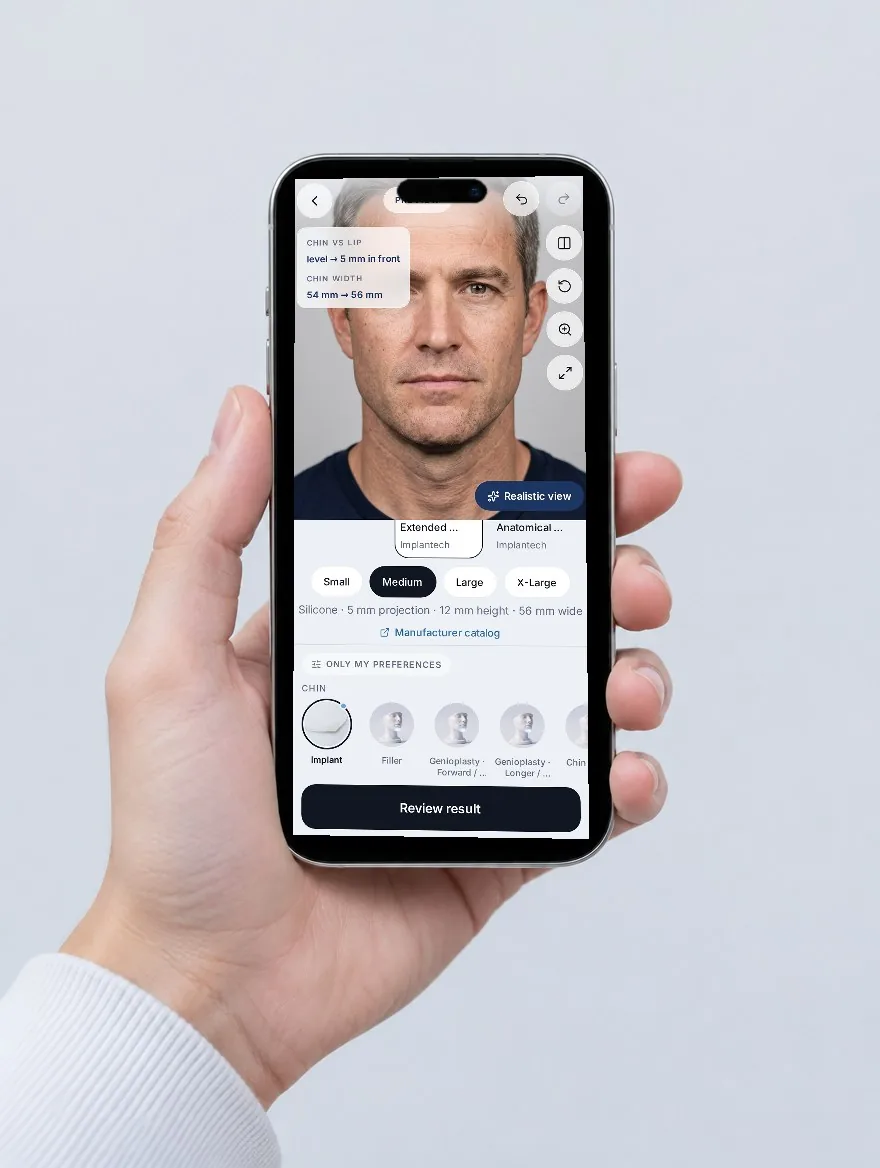
Chin, jawline, under the chin and cheeks — on a scan of your own face, measured in millimetres. Only what you choose changes.
Four areas, real treatments
You choose a treatment and its size — not a vague “better” effect.

Region isolation
Edit the chin and the chin moves — your eyes, nose, lips and brows stay exactly as they are. One tap returns to your original, and the same settings always give the same image.
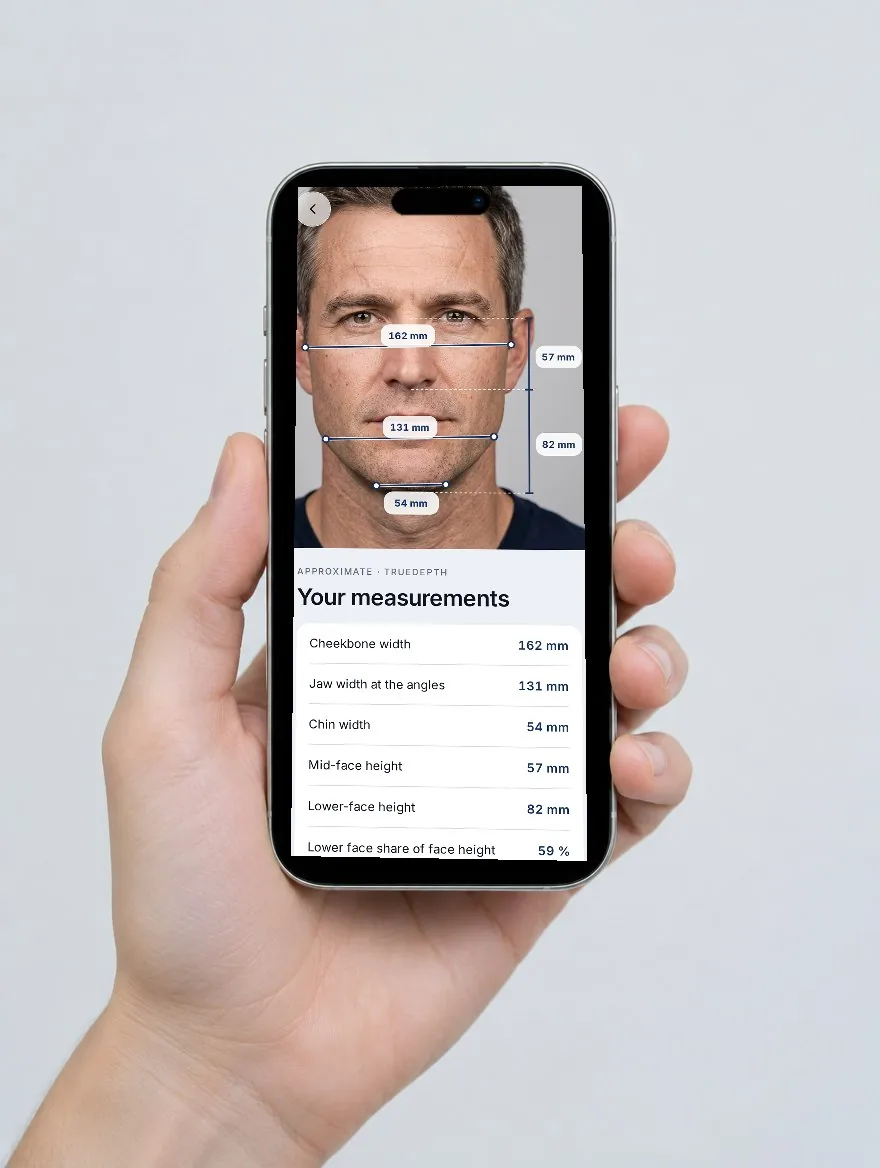
Depth, not guesswork
The TrueDepth camera behind Face ID captures depth during the scan. Veylo turns it into approximate measurements — jaw width, chin width, lower-face height — and shows how each one shifts.
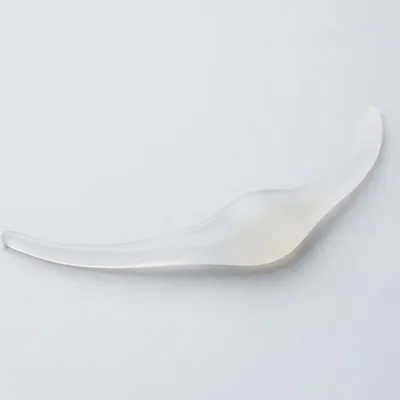
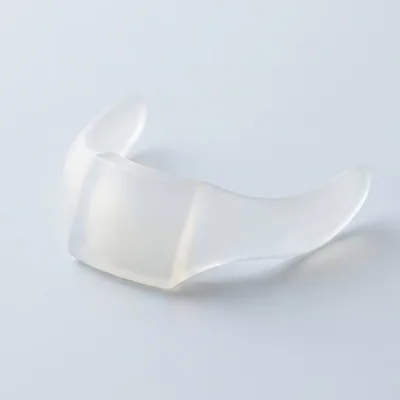
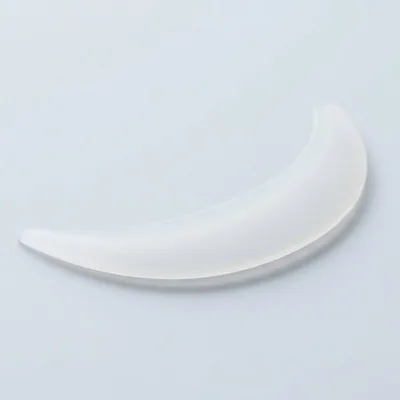
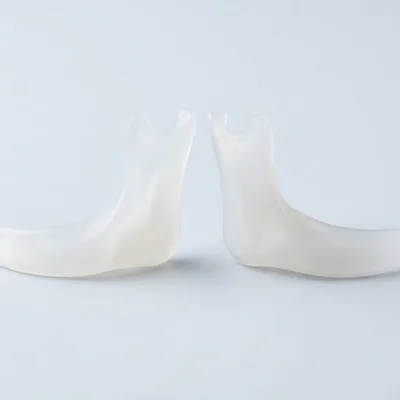
Real sizes
Fillers in millilitres, toxin in units, genioplasty in millimetres, implants by model and size from manufacturer catalogues. Typical ranges come from published studies — the decision stays with you and your doctor.
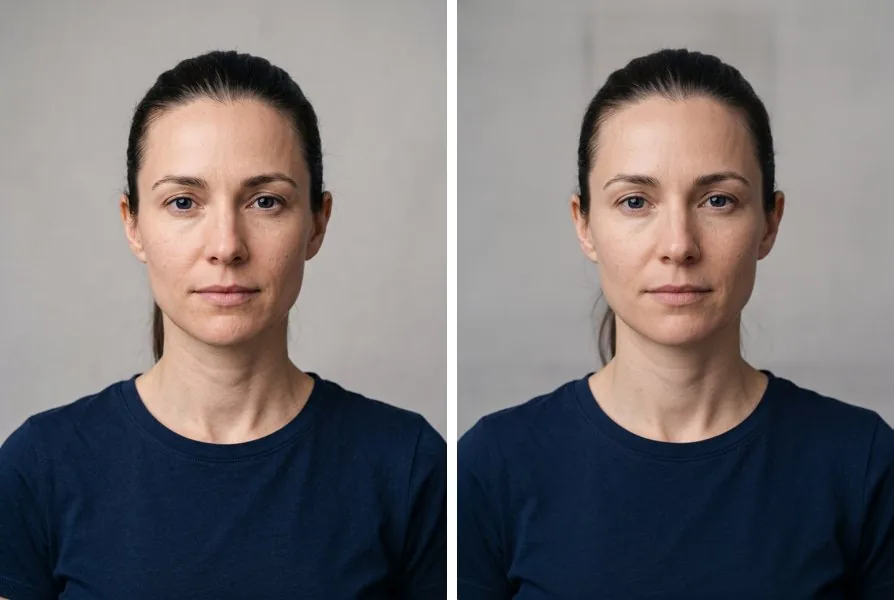 OriginalRealistic view
3D and realistic view
Rotate your face model built from five angles, then create a realistic view of the same change — front and profile. Your first realistic view is free, with nothing blurred.
How it works
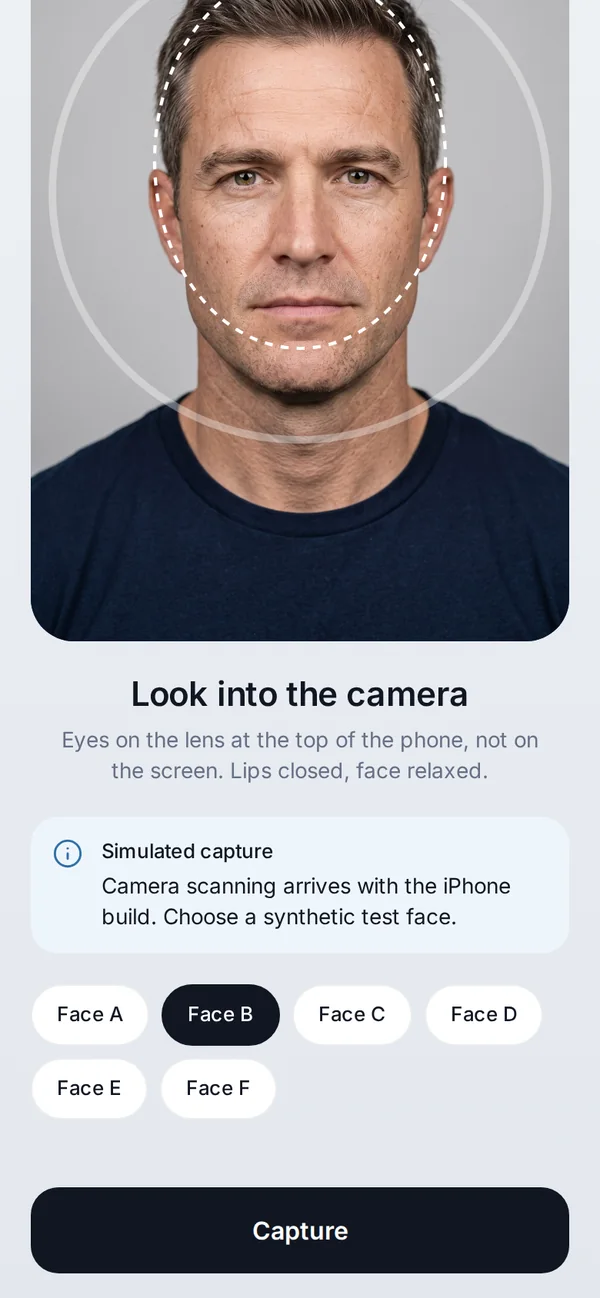
Five guided angles, about 40 seconds. The app checks each photo for you.
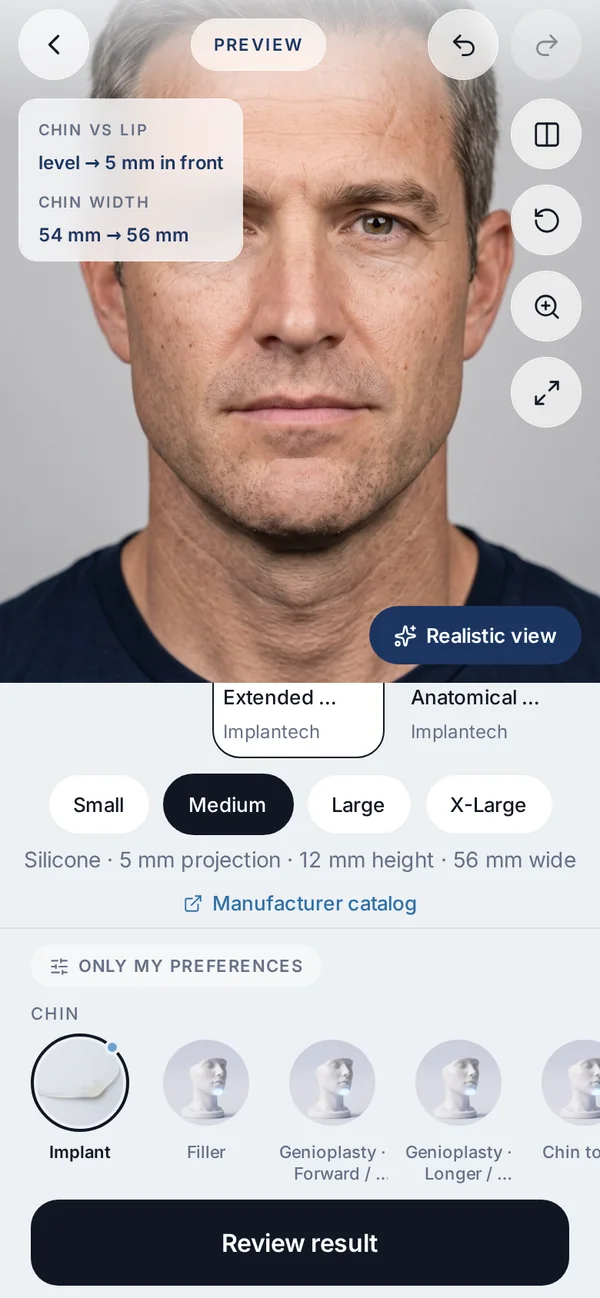
Area, treatment and amount — ml, units, mm or implant model.
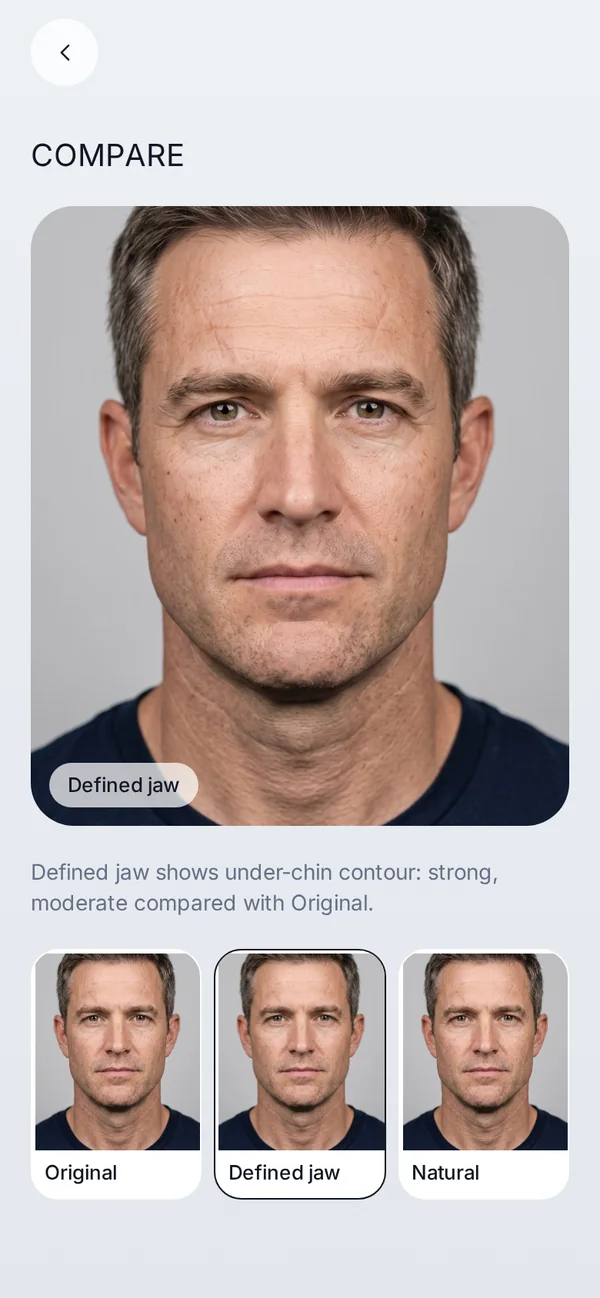
Before and after, millimetres, 3D, and variants side by side.
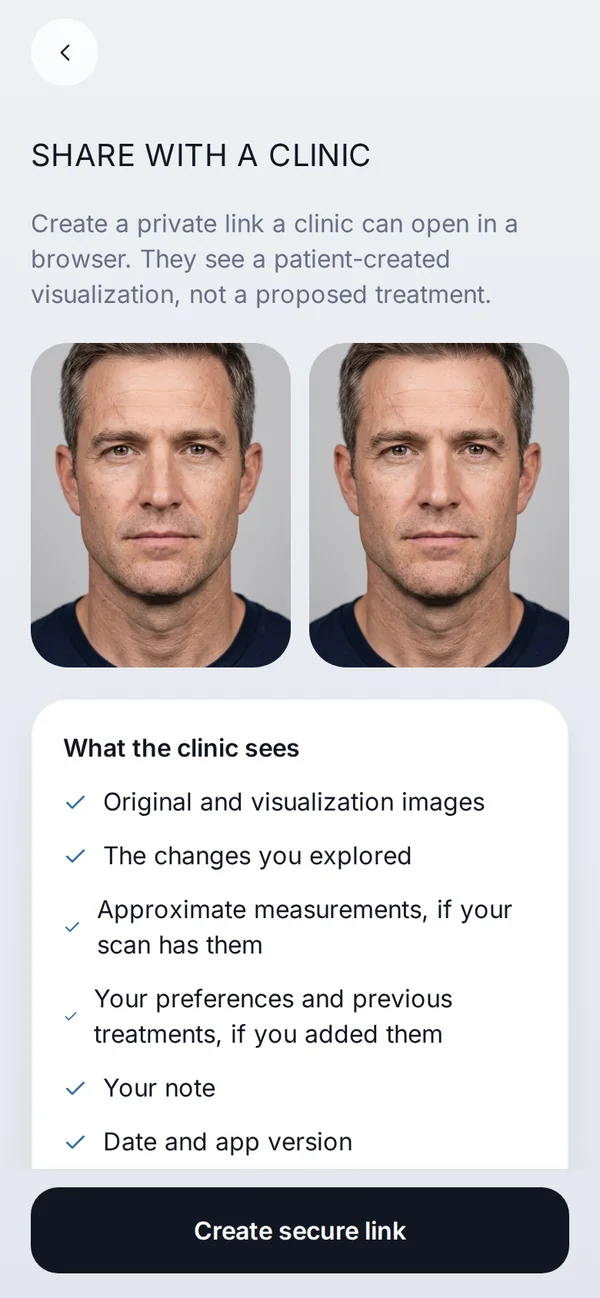
A private link for your clinic that expires — you can remove access any time.
Honest by design
| Veylo | Typical AI “preview” app |
|---|---|
| Measured in mm from depth | No measurements |
| Edits one area, the rest stays yours | Regenerates the whole face |
| Same settings, same image | A different result every time |
| No beauty scores, no recommendations | Looks ratings and suggested procedures |
| First result before you pay — unblurred | Result hidden until you subscribe |
| Scan stays on your iPhone | Photos uploaded to the cloud |
A general comparison, not a statement about any specific company.
Privacy
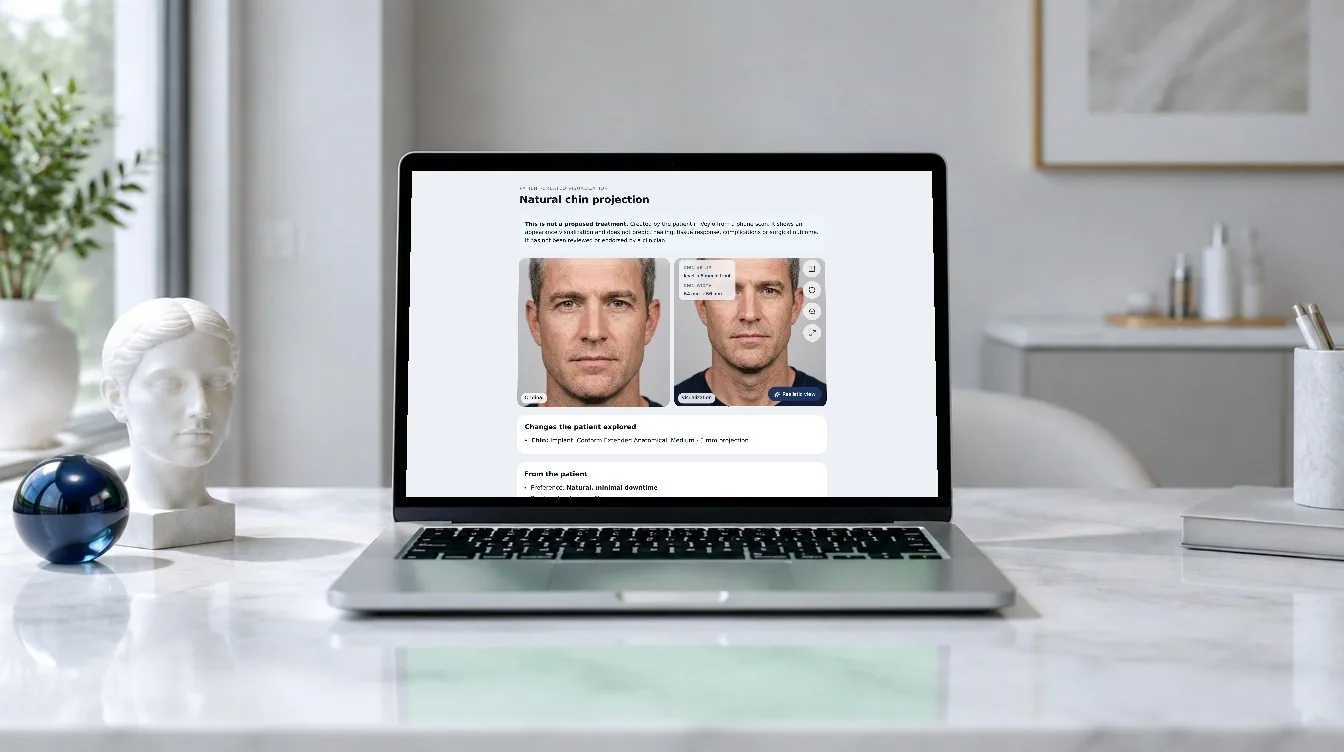
For clinics
A shared case opens in any browser: original and visualization side by side, the treatments and sizes explored, approximate measurements and what the patient chose to tell you.
Every case is labelled as a patient-created visualization, not a proposed treatment.
Talk to usPricing
The scan, editor, measurements and 3D run on your iPhone. Plans add every treatment and realistic AI views.
Free: scan, editor, measurements, 3D and your first realistic view.
Need more? 10 extra realistic views for $2.99, any time.
Prices in USD; your local App Store price may differ. Cancel any time in your Apple ID settings.
No. Veylo shows an appearance visualization from your scan. It cannot predict healing, tissue response, complications or surgical outcome. Use it to discuss options with a qualified clinician.
An iPhone with a front camera. Depth-based measurements and 3D need an iPhone with Face ID (TrueDepth camera).
On your iPhone. They leave the device only when you create a clinic link or use the optional realistic view.
It’s a photo-style render of the change you set, created by an AI image model. Each one has a real cost, so plans include a set number per week or month.
No. Veylo doesn’t recommend treatments, rate your appearance or refer you to clinics.
From published studies and manufacturer catalogues. Veylo is not affiliated with any manufacturer.
Only what the share screen lists, through a link you create. It expires, and you can remove access at any time.
Yes — a single scan, all scans or your account, in Profile → Face data & privacy.
In your iPhone Settings → Apple ID → Subscriptions. Subscriptions are only sold through the App Store.
Adults (18+) curious about lower-face contour changes.
Veylo is coming soon to the iPhone App Store.
Ask about early access