 VEYLO
Skin
Laser, peel and microneedling: see the look on your own face
Choose the number of sessions and the zones — forehead, frown lines, crow’s feet, under the eyes, folds, upper lip, chin or neck — and see the look of the skin on your own face. Shape and every measurement stay the same.
Free to start · No account needed to scan · iPhone


Sample face generated by AI, changed by the Veylo engine. A visualization, not a prediction.
Skin treatments in Veylo
Laser resurfacing, chemical peels and microneedling act on the skin’s surface and texture, usually over several sessions. Which treatment, which depth and how many sessions depend on your skin and a clinician’s assessment.
In Veylo these are look-only treatments: they change the look of the skin in the zones you choose, and nothing else. The shape of the face, its volume and every measurement stay exactly the same.
Zones are anatomical and placed by you or your clinician — Veylo never detects or scores your skin.
Every treatment in the app, with the amounts you can set.
Each treatment is set in real units, as in the app. Where a published study measured the change, its range is shown next to it — context, never a recommendation.
- Non-surgical
Laser resurfacing
Look only: skin texture in the zones you choose. Shape, volume and every measurement stay the same.
Set in the app
Sessions0–4 sessions - Non-surgical
Chemical peel
Look only: skin texture in the zones you choose. Shape, volume and every measurement stay the same.
Set in the app
Sessions0–4 sessions - Non-surgical
Microneedling
Look only: skin texture in the zones you choose. Shape, volume and every measurement stay the same.
Set in the app
Sessions0–4 sessions
Published ranges show what studies measured. They are not a recommendation; your clinician decides what is appropriate.
What Veylo shows
- The look of your skin after a number of sessions you choose
- Nine zones you can turn on or off
- Original and visualization side by side, on the photo and the 3D head
- Skin treatments combined with any other treatment in one plan
What only a clinician can tell you
- Which skin treatment, if any, is suitable for your skin
- How many sessions, at which depth, and the downtime
- Risks, such as pigment changes, and aftercare
- What to expect for your skin type
How it works, in 3 steps.
- 1
Scan your face
A guided 3D scan on video with the front camera, or by a helper with the rear camera, with voice guidance. Your face data stays on your iPhone.
- 2
Set the treatment and the amount
In ml, mm, units, an implant model and size, or a style. Combine treatments in one plan; only the areas you choose change.
- 3
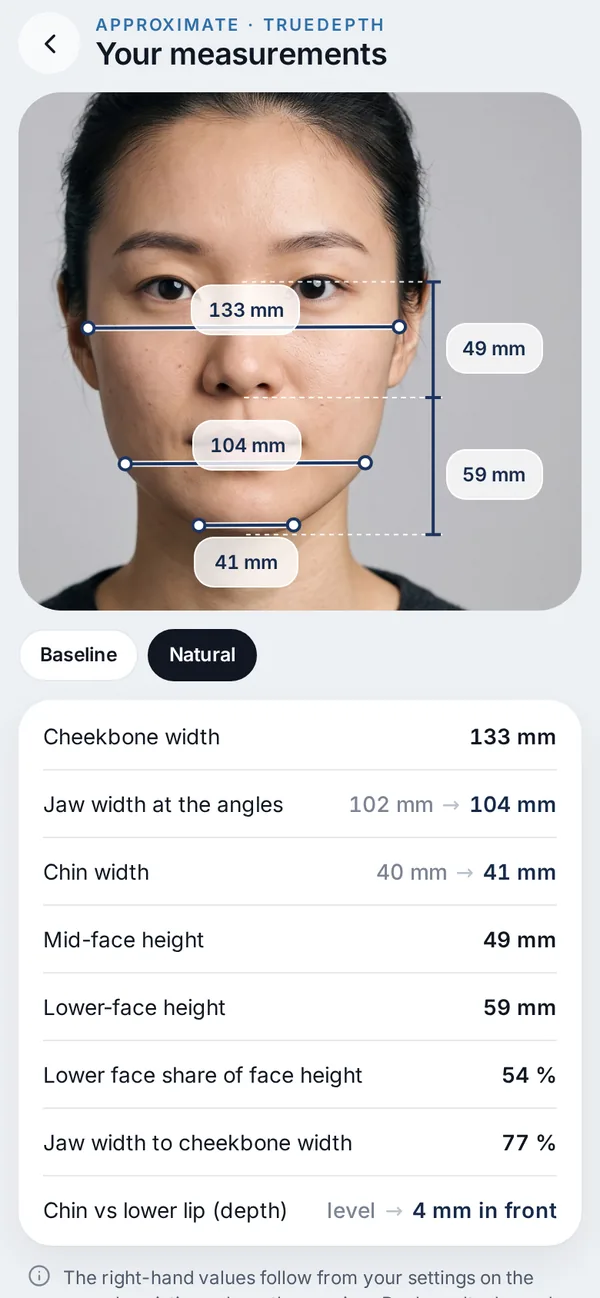
Compare, then talk to a clinician
Original and visualization side by side, with approximate millimetres — and an optional private link for your clinic, with your questions.
Questions about laser, peel & microneedling
Does Veylo analyse my skin?
No. Veylo never detects, scores or rates skin. You choose the zones and the number of sessions; the visualization changes the look of those zones only.
Do skin treatments change my measurements?
No. They are look only. The shape of your face and every number stay the same.
Are the skin changes shown on the 3D head?
They are shown on the photos. The 3D head keeps the scan’s own skin.
Does Veylo show my result?
No. It shows an appearance visualization. How your skin responds depends on your skin, the treatment and aftercare.

Try treatments
before you book.
Free to start on iPhone. This area is part of the Face plan.
Not ready for the beta? Get an email when Veylo launches.
A visualization, not a prediction.
Related treatments you can try in Veylo.
 Brows, temples & foreheadBrow lift, temples & foreheadBrow lift and brow toxin, temple filler or fat, forehead filler, upper face toxin.Read more
 Midface, jawline & neckFacelift & midface liftFacelift and midface lift in mm along a direction, threads, folds and fat grafting.Read more
 Under the eyesTear trough fillerFiller under the eyes in ml per side, next to lower blepharoplasty.Read more
 For clinicsVeylo for clinicsFor aesthetic clinicsRead more